Overview
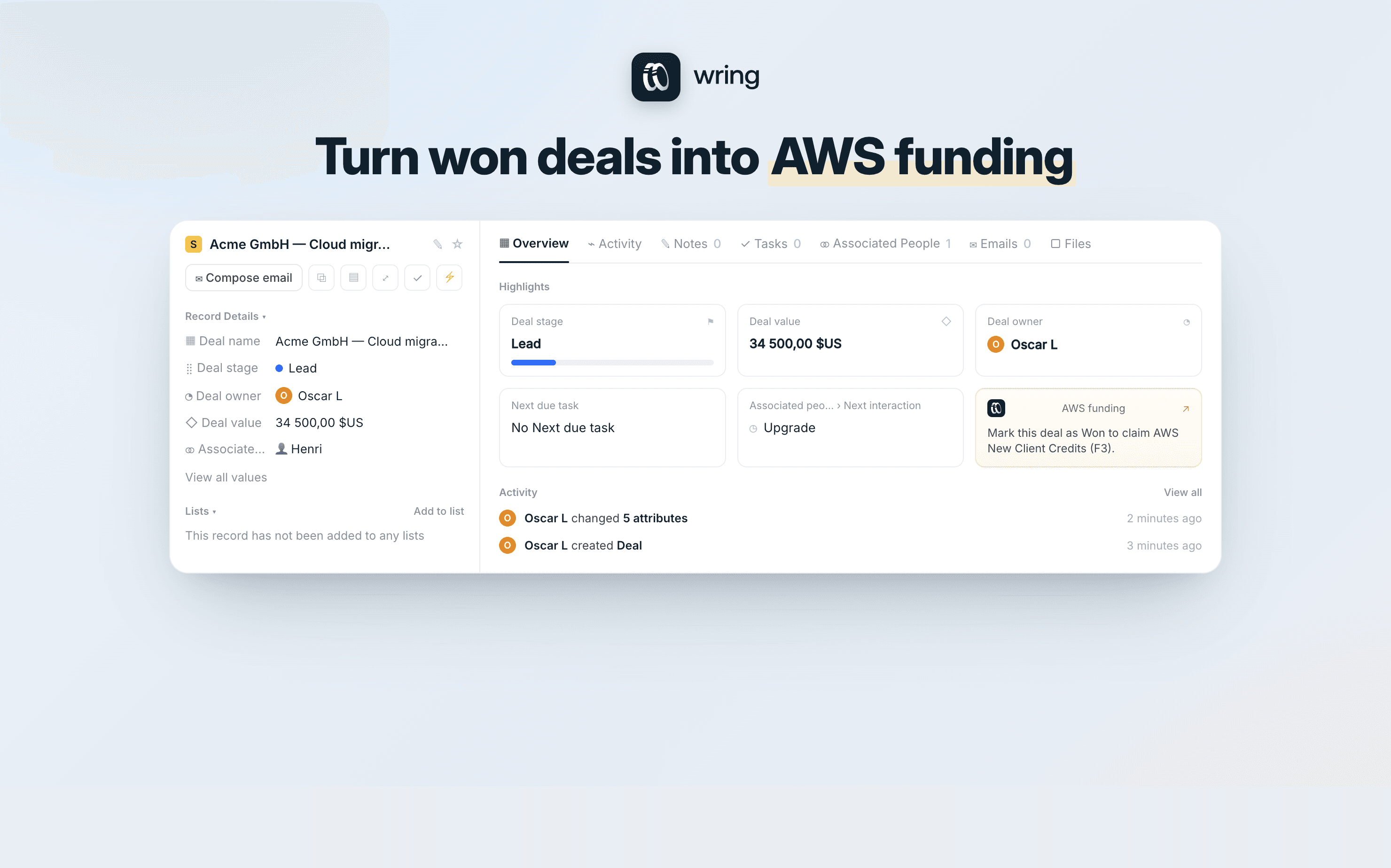
Wring Funding turns your won deals into AWS funding.
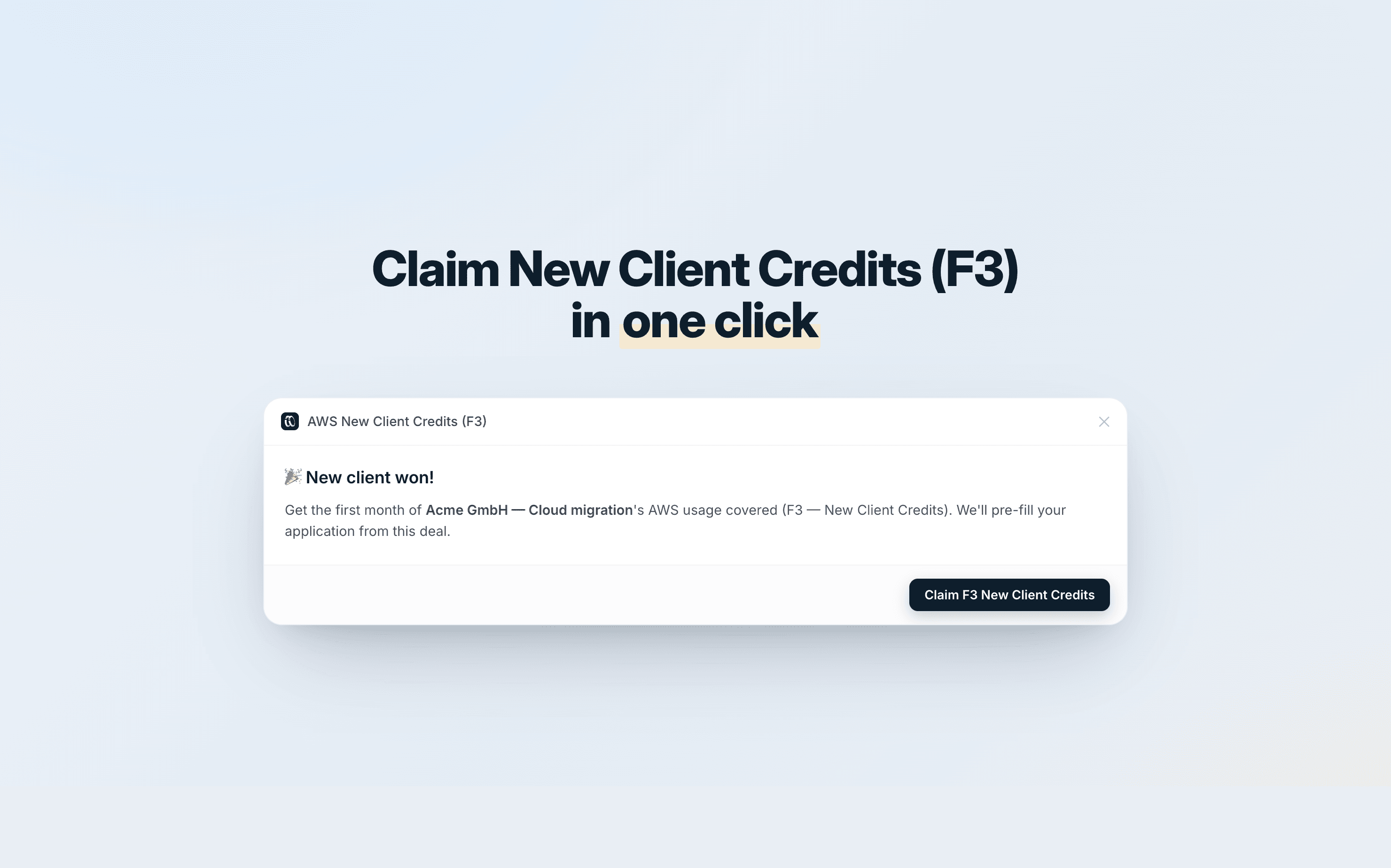
When you mark a deal as Won in Attio, Wring Funding lets you claim the AWS New Client Credits (F3) program in one click — covering the first month of your new client's AWS usage.
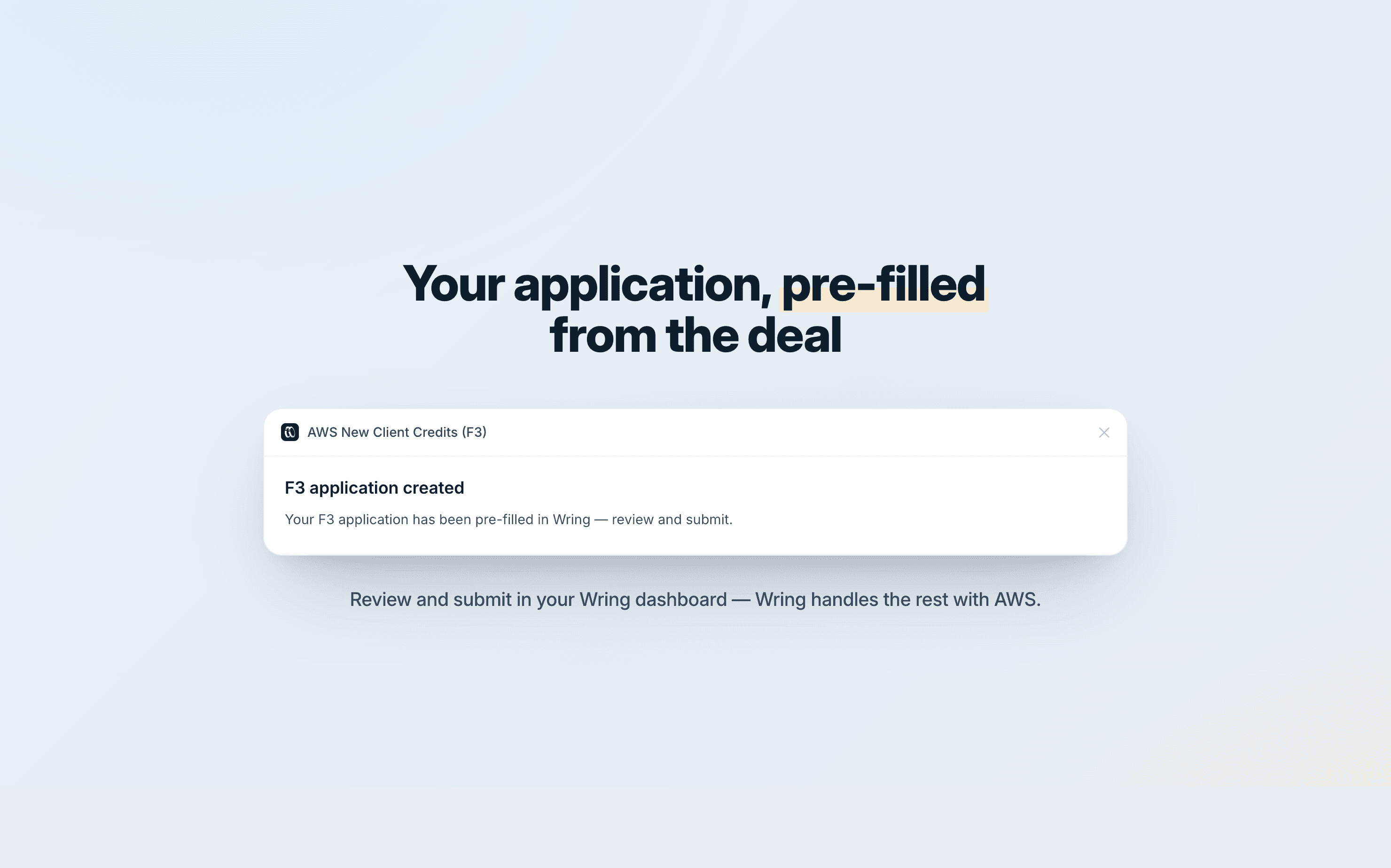
The application is pre-filled from your deal (client name, value, close date), so there's nothing to fill in manually.
Built by Wring (wring.co), AWS funding and cost-optimization experts.
How it works
Mark a deal as Won in your pipeline.
Open the deal — the AWS Funding widget shows the offer, or use the ⋯ menu and choose "AWS New Client Credits (F3)".
Click Claim. Wring instantly pre-fills your F3 (New Client Credits) application from the deal data.
Review the pre-filled application in your Wring dashboard and submit — Wring handles the rest with AWS.
Configure
-
Install Wring Funding in your Attio workspace.
-
Accept the workspace connection to Wring (Connections tab → Connect) — one click, OAuth. No API keys to manage; Wring Funding communicates securely with Wring on your behalf.
-
Add the "AWS New Client Credits (F3)" widget to your deal record layout via Configure page → Add widget.
-
Make sure the deal owner's email matches their Wring account so the application is created in the right place.